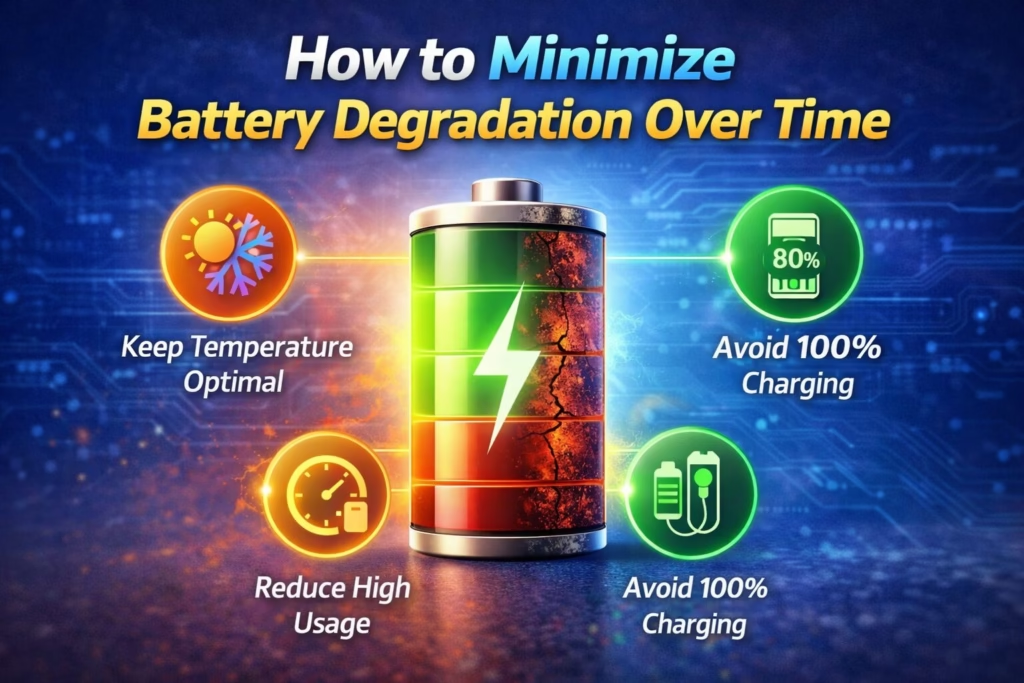
Batteries — whether in electric vehicles, smartphones, laptops, or renewable energy systems — naturally lose capacity and performance over time. Understanding how to minimize battery degradation over time helps you protect your investment and keep devices performing well longer. This article explains why batteries degrade, what a battery degradation curve looks like, how to use tools like a battery degradation calculator, and practical approaches to slow aging in both lithium-ion systems and everyday devices. We also touch on real-world tips to deal with device battery drain, such as how to reduce battery drain on iPhone, and what to do if a battery has already degraded (how to fix degraded battery).
What Is Battery Degradation?
Battery degradation refers to the loss in maximum charge capacity and performance that occurs naturally as a battery ages and is used. For lithium-ion and similar chemistries, this capacity loss increases gradually with each charge and discharge cycle and prolonged exposure to heat, high charge levels, or extreme discharges. Over many cycles, this results in a battery degradation curve, which typically shows a gradual decline from full capacity toward lower percentages of original capacity.
What Causes Battery Degradation?
Understanding battery degradation causes helps you take steps to reduce wear:
- High temperatures accelerate chemical reactions inside the cell that reduce capacity faster.
- Overcharging (charging past full) and deep discharges (draining to zero) both add stress to the battery and shorten its usable life.
- Too many full charge cycles — repeatedly charging from 0% to 100% — increases wear with each cycle.
- Keeping batteries at very high state of charge or very low state of charge for long periods can also cause degradation.
Lithium-ion cells experience irreversible structural changes at high charge and discharge extremes, which the battery’s management system can’t fully undo.
Battery Degradation Curve: What to Expect
A battery degradation curve tracks the decline in capacity over time or cycles. It typically shows:
- A modest initial drop in capacity in early cycles
- Slower gradual decline as the battery ages
- Steeper decline as the battery nears the end of its usable life
This curve helps engineers and users understand how quickly performance will decrease under normal usage, and you can forecast long-term behavior with tools like a battery degradation calculator.
How to Slow Battery Degradation (Lithium-ion and Others)
1. Keep Charge Between 20% and 80%
Avoid charging to 100% every day, and don’t let the battery drop to zero. Keeping the state of charge in a moderate range significantly reduces chemical stress on cells and slows degradation.
- Charging to ~80% often extends life compared with charging to 100%.
- Discharging below ~20% places more stress on the battery.
This practice is one of the most impactful ways to minimize battery degradation over time, both for car batteries and consumer electronics.
2. Avoid Fast and Frequent Full Charging
Fast chargers deliver high current quickly, but they also generate more heat inside the battery. Heat is one of the biggest drivers of degradation in lithium-ion systems.
For devices where you care about long lifespan, use regular chargers when time isn’t crucial and reserve fast charging for occasional needs.
3. Manage Operating Temperature
Heat accelerates the aging processes in batteries. Store and use devices in cool, stable environments and avoid exposure to direct sunlight or hot cars.
Lithium-ion batteries also don’t like extreme cold, which can temporarily reduce capacity and increase stress on cells.
4. Partial Charging Beats Deep Cycles
Rather than waiting until a battery is near empty before recharging, charging more frequently in smaller increments helps extend life. Deep cycling — fully draining then topping up — puts more stress on the battery’s internal chemistry.
5. Use Devices as Designed
Always follow manufacturer guidance for charging and storage. This includes using certified chargers and keeping software updated. Software often includes optimizations that reduce unnecessary battery workload.
Practical Example: iPhone Battery
iPhone batteries are lithium-ion and naturally degrade with use. Apple notes that, over time, battery health will diminish and may drop to around 80% after typical use for several hundred charge cycles.
How to Reduce Battery Drain on iPhone
To reduce drain and protect battery health:
- Enable Optimized Battery Charging in settings to slow degradation.
- Charge between about 20% and 80% when feasible.
- Avoid heavy battery use while charging.
- Use Low Power Mode to reduce power draw when battery is low.
These habits help keep battery health metrics higher for longer and reduce stress on internal chemistry.
Tools to Understand and Track Degradation
Battery Degradation Calculator
A battery degradation calculator helps estimate how long a battery will retain usable capacity based on charging practices, temperature exposure, and cycle count. It can be useful for EV owners or fleet managers to forecast when a battery might need servicing or replacement.
Many such tools are offered by manufacturers or third parties that take into account the battery chemistry and typical usage patterns.
If Battery Is Already Degraded: What Can You Do?
Once chemical degradation occurs, it can’t be fully reversed, but steps can help manage and fix perceived degraded battery performance:
- For smartphones: replacing the battery restores capacity and improves performance. This is often recommended once health drops below 80% of original capacity.
- For larger systems like EVs or battery packs: consulting authorized service centers for diagnosis and replacement options is the recommended approach.
In other words, while you can’t make a physically older battery brand new again, replacing degraded cells or modules in devices that support replacement restores performance and avoids issues like unexpected shutdowns or performance throttling.
Summary
Minimizing battery degradation over time requires good charging habits, temperature management, and avoiding the extremes of full charges or deep discharges. For lithium-ion batteries, keeping the state of charge in the middle range and using regular charging instead of fast charging slows degradation significantly. Practical habits like reducing battery drain on your iPhone — such as enabling optimized charging and reducing background activity — help preserve health as well. Over the long term, thoughtful use and periodic monitoring with tools like battery degradation calculators help you get the most life out of any rechargeable battery.